
AI-Powered WordPress Website Development
About Course
AI-Powered WordPress Website Development
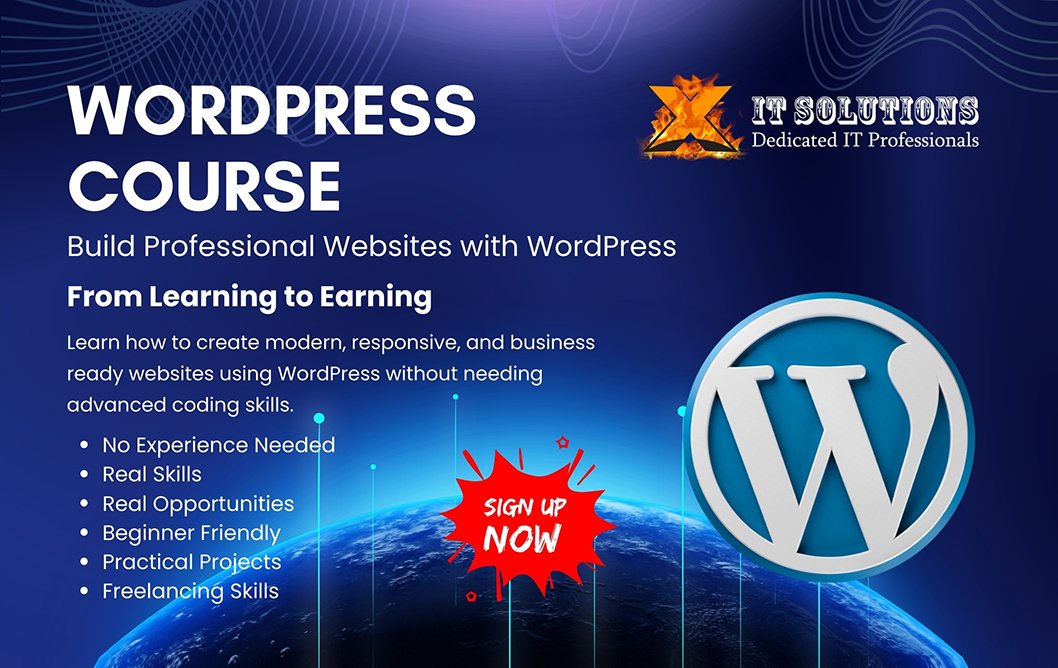
Learn how to build professional websites using WordPress and modern AI-powered tools and workflows.
This practical course takes you from WordPress fundamentals to professional website development, teaching you how to use AI for planning, design, content creation, development, SEO, optimization, troubleshooting, automation, and client projects.
Whether you are a beginner, student, freelancer, designer, business owner, or aspiring web developer, you will learn how to build modern, responsive, and professional WordPress websites using a combination of WordPress, AI, Elementor, SEO, AEO, GEO, WooCommerce, and automation.
What You Will Learn
- WordPress from beginner to professional level
- AI-powered website planning and development
- Professional website design with Elementor
- AI content and visual creation
- SEO, AEO & GEO
- WooCommerce and e-commerce
- AI chatbots and automation
- WordPress troubleshooting, security and performance
- WordPress freelancing and client projects
Course Highlights
- Short and focused video lessons
- Quiz after lessons
- Weekly practical assignments
- Real-world website projects
- Final professional WordPress project
- Beginner-friendly learning approach
- No coding experience required
Who Is This Course For?
Beginners, students, freelancers, web designers, business owners, digital marketers, and anyone who wants to learn modern AI-powered WordPress website development.
Course Content
Introduction to WordPress
-
Overview of WordPress CMS
02:39 -
WordPress vs Shopify | Which CMS is Better?
08:10 -
Why WordPress is the Most Popular Website Platform
01:21 -
Understanding the WordPress Dashboard
-
Introduction to WordPress
-
Why is WordPress the most popular website platform?
-
What does the WordPress Dashboard allow you to do?
Installing and Setting Up WordPress
Working with WordPress Themes and Plugins
Creating Content with WordPress
Website Customization and Design
WordPress Security and Backups
SEO for WordPress
Website Maintenance and Updates
Final Project – Build a Complete Website
Student Ratings & Reviews